Style words
B I U S


Select the words and press a button, or use the keys: Ctrl/Cmd + B, Ctrl/Cmd + I, Ctrl/Cmd + U and Ctrl/Cmd + Shift + X for strikethrough. Press again to take the style off.
 Notealise
The bar above a note styles the words you have selected. Type / on any line for a list of everything else you can add.
B I U S
Select the words and press a button, or use the keys: Ctrl/Cmd + B, Ctrl/Cmd + I, Ctrl/Cmd + U and Ctrl/Cmd + Shift + X for strikethrough. Press again to take the style off.
Click a dashed button


Pick a command for it. From then on the button runs that command. Change or clear the four in Settings → Look → Shortcuts.
/
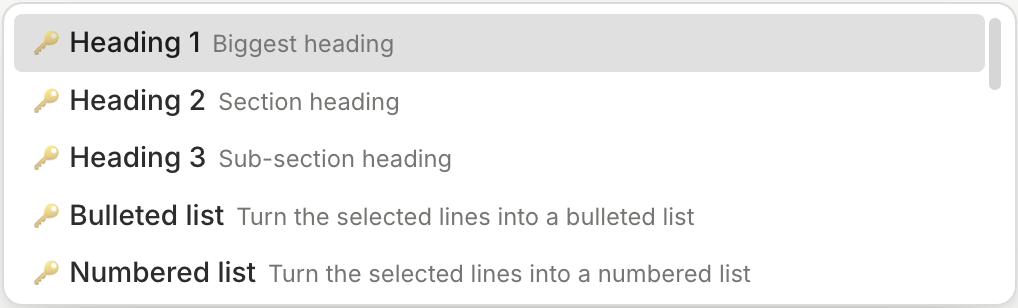
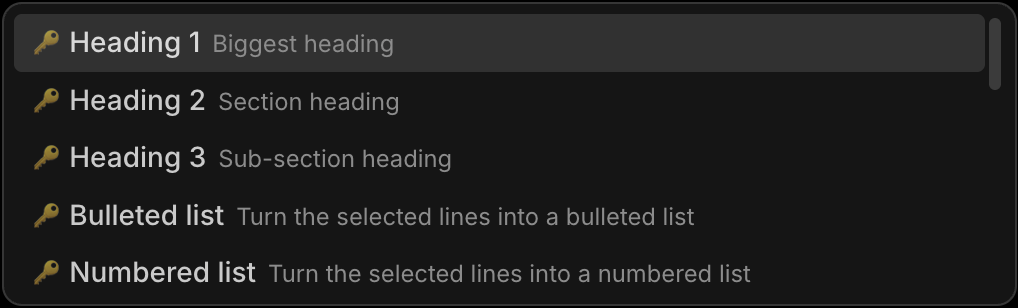
Type it at the start of a line or after a space, keep typing to narrow the list, then press Enter. Most commands also answer to a short word, such as /ul, /todo or /h1.
/h1
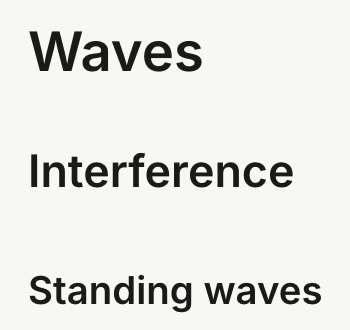
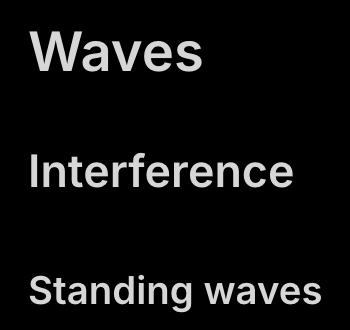
/h1, /h2 or /h3 — or type # and a space at the start of a line, with ## and ### for the smaller sizes.
/todo
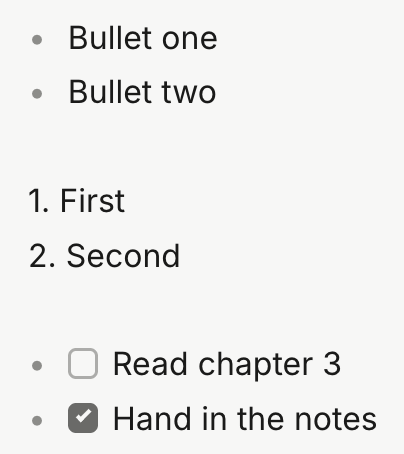
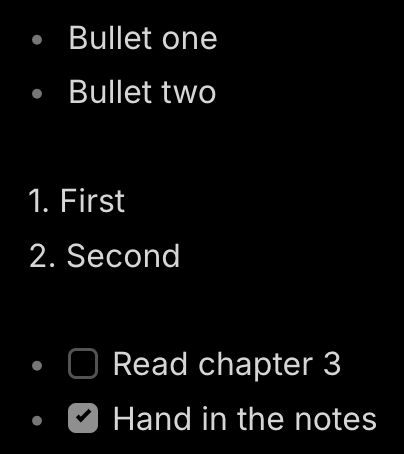
/bullet, /numbered or /todo — or type - then a space, 1. then a space, or - [ ] then a space at the start of a line.