Inside a sentence
/inline
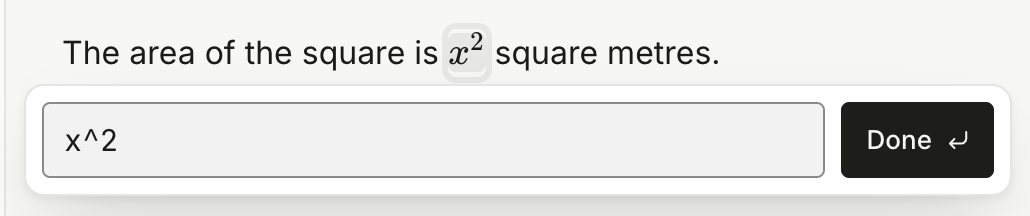
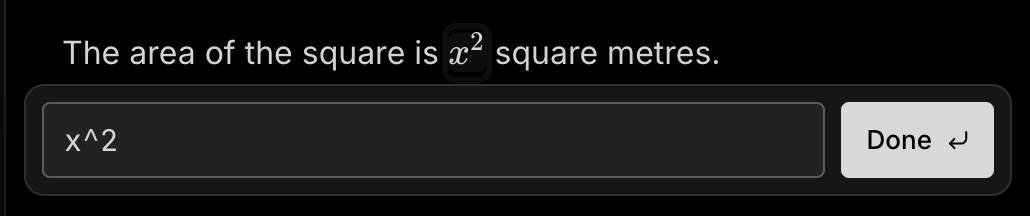
Press Enter, then type the formula in the box that opens under the line — x^2, say. It draws as you type. Press Enter again when you are done.
 Notealise
Formulas, tables and toggle lists each start from the / menu.
/inline
Press Enter, then type the formula in the box that opens under the line — x^2, say. It draws as you type. Press Enter again when you are done.
Ctrl/Cmd + Shift + L
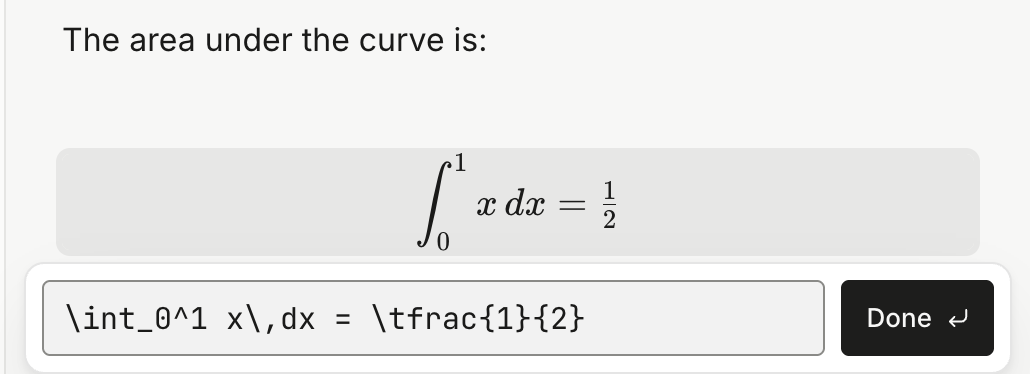
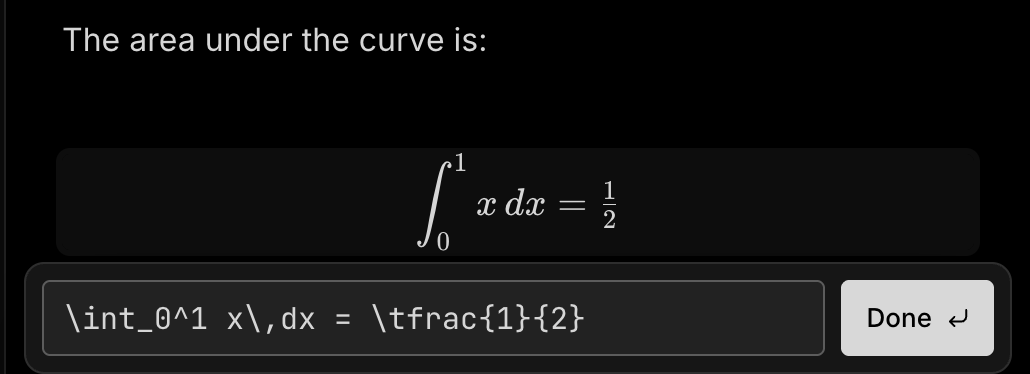
Press it on an empty line, or pick LaTeX formula from the / menu. Shift + Enter adds a line to the formula.
/table


Click a cell and type. Enter keeps what you typed, Tab moves to the next cell, and Shift + Enter starts a new line inside a cell.
+
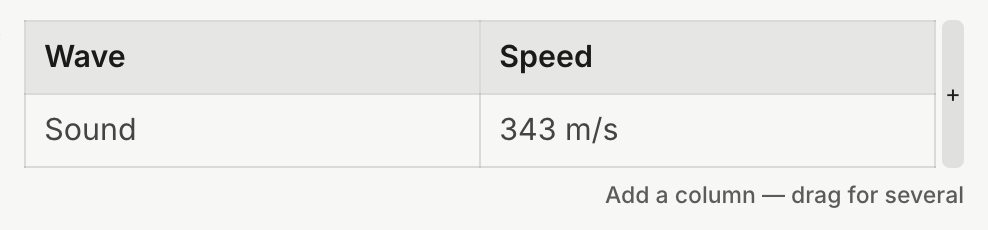
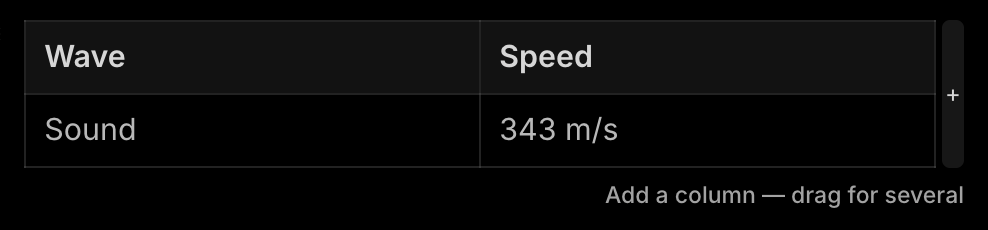
Point at the right edge or the bottom edge of the table and a + bar shows. Click it for one more, or drag it for several.
Six dots above a column
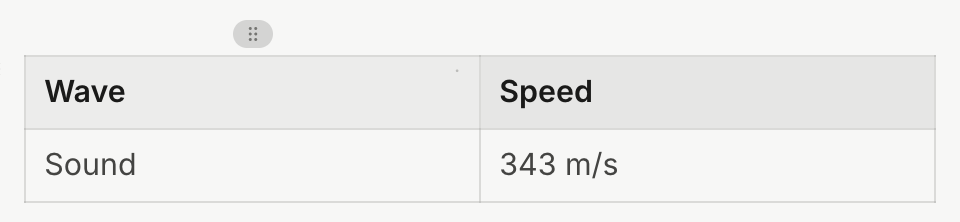
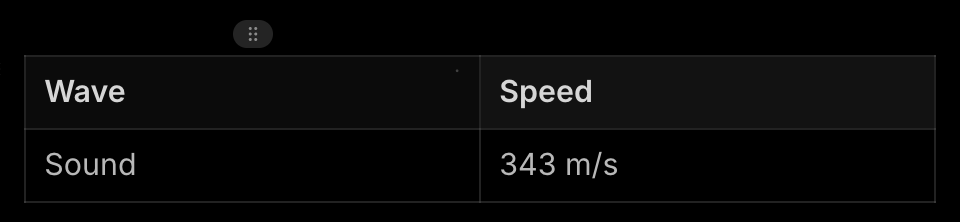
Drag the six dots to move the column. Click them, then press Backspace to remove it. Drag the line between two columns to change their width.
> then a space
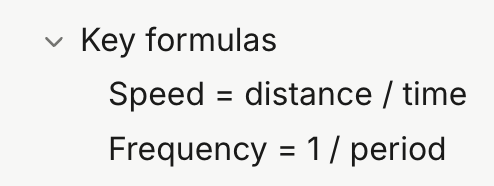
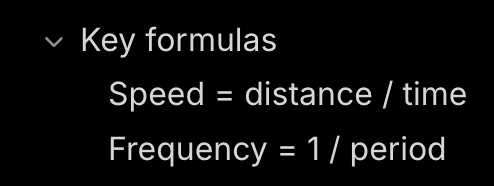
Type the title, press Enter, and write what goes inside. /toggle does the same.
Ctrl/Cmd + Enter


With the cursor on the title — or click the arrow. Everything inside hides and comes back, headings, tables and formulas included. Enter on an empty line inside steps you out below the toggle.
To change one later:
Backspace in an empty table row removes the row.Backspace at the start of a toggle title turns it back into ordinary lines.